
 By Chris Lee
SEO
Breaking Down the Real Financial Cost of Urgent Care SEO
Understand the real cost of urgent care SEO, typical monthly pricing ranges, and how to avoid hidden fees while driving patient volume.
9 min read
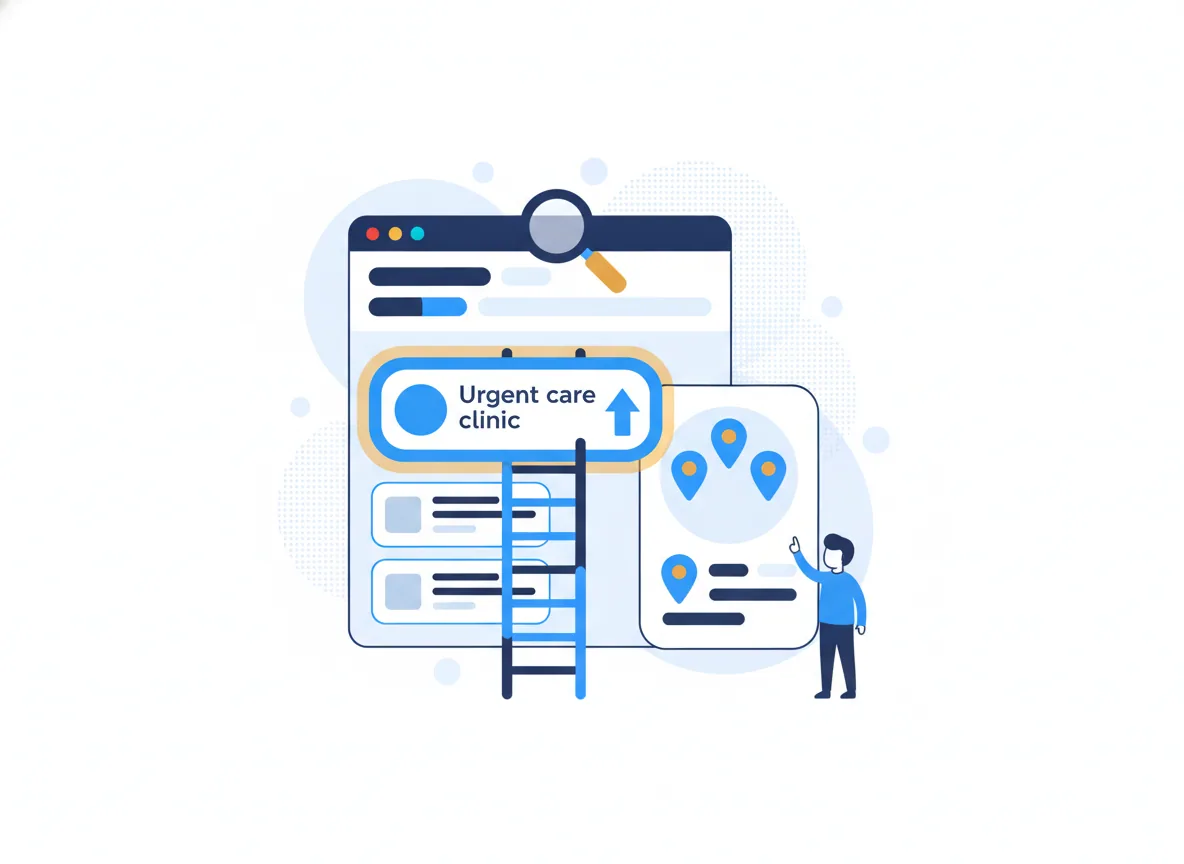
To accelerate urgent care growth using SEO, you must capture local search traffic the exact moment a patient needs immediate medical attention. The blueprint relies on mapping patient search behavior to localized service pages, then funneling those users through an automated booking cascade. You cannot wait for patients to stumble across your clinic. You have to intercept them when they open their phones seeking fast relief for a sprained ankle, a sudden fever, or a necessary pre-employment screening.
Patients do not search for medical services casually. They search with high intent and severe urgency. Understanding how to intercept this intent requires detailed user behavior mapping. You must categorize search queries based on the exact problem the patient is trying to solve, and direct them to a page built specifically to answer that problem.
User behavior mapping dictates your website architecture. When a parent searches for "pediatric urgent care near me," they need to land on a page that immediately highlights pediatric services, age requirements, and pediatricians on staff. Sending them to a generic homepage forces them to hunt for information, increasing the likelihood they will bounce to a competitor.
Divide your target search terms into three distinct behavior categories:
Not all urgent care patients share the same demographics or needs. Implementing custom audience segmentation configurations allows you to tailor your content strategy to different patient profiles. An effective urgent care SEO blueprint isolates three primary audiences:
Urgent care is inherently local. A patient with a laceration will not drive forty-five minutes if another clinic is five minutes away. Local SEO ensures your clinic appears in the "Local Pack"—the map and three business listings that dominate the top of Google search results for local queries.
If you operate multiple clinics, you need a dedicated page for each physical location. Do not lump all your addresses onto a single "Contact Us" page. Search engines need individual pages to properly index and rank each clinic in its respective neighborhood or city.
Every location page must include:
Your Google Business Profile (GBP) drives the majority of your local search visibility. Treat it with the same priority as your primary website. Ensure your primary category is set to "Urgent Care Center" rather than a generic "Medical Clinic."
Update your GBP attributes to answer common patient questions before they even click your website. Check off attributes that apply, such as "Wheelchair accessible," "On-site lab," or "Accepts new patients." Respond to all reviews promptly. Patients reading reviews want to see how you handle complaints about long wait times or billing issues just as much as they want to see five-star praise.
Ranking at the top of Google is useless if your website fails to convert visitors into patients. Your urgent care customer acquisition strategy relies on removing every possible barrier between a searcher and a booked appointment.
Implement automated lead capturing cascades to secure the patient the moment they land on your site. The most effective tool for urgent care is the "Save My Spot" or online check-in feature. Patients want certainty. They want to know they are in line before they leave their house.
Place this call-to-action prominently in the header of your website so it remains visible as the user scrolls. The booking process should require minimal fields: name, phone number, primary symptom, and preferred arrival time. Avoid forcing patients to create accounts or fill out comprehensive medical histories just to secure a spot in line. You can collect that information later.
Once a patient clicks "Save My Spot," trigger an automated sequence. Send an immediate SMS confirmation with a link to complete digital intake forms. This cascade accomplishes two things: it locks the patient into choosing your clinic over a competitor, and it reduces the administrative burden on your front desk staff. When patients complete their paperwork on their phone in the waiting room—or better yet, in their car—you improve throughput and increase the number of patients you can see per hour.
Many practice managers struggle to understand how to allocate funds for digital marketing. An effective urgent care SEO investment is not a one-time purchase. It is an ongoing operational cost that funds the labor required to outpace local competitors.
When you invest in SEO, you are paying for specific, highly technical labor. A proper budget covers several ongoing initiatives:
SEO is not a switch you flip for immediate patients. If you need patients tomorrow, you must pay for Google Ads. SEO requires a timeline of four to six months before you see a material increase in organic traffic and booked appointments.
During the first three months, the focus is on repairing technical debt on your website, restructuring your service pages, and aligning your local citations. By months four and five, search engines begin rewarding these structural improvements with higher placements in the map pack and standard organic results. Plan your marketing budget with this runway in mind.
Executing digital marketing for urgent care often fails when clinics treat their website like a digital brochure rather than a functional tool. Knowing what to avoid is just as important as knowing what to execute.
Keyword cannibalization happens when multiple pages on your website compete for the same search term. If you have a blog post about "treating a sprained ankle" and a service page for "sprained ankle treatment," search engines get confused about which page to rank. Usually, they rank neither.
Consolidate your content. Build one comprehensive, definitive page for each specific service or condition. Direct all internal links to that primary page to signal its importance to search engines.
The vast majority of urgent care searches happen on mobile devices. If your website takes more than three seconds to load on a 4G connection, patients will hit the back button and choose the next clinic on the list. Mobile friction kills conversion rates.
Common mobile failures include:
Audit your site speed regularly and strip away any design elements that impede a user trying to find your address or book an appointment in a panic.
Once you dominate the search results for a single location, the goal shifts to scaling. You want to replicate your local SEO success across new markets and integrate other marketing channels to build a massive, multi-touch patient acquisition machine.
To scale urgent care online across multiple cities or neighborhoods, you must run the local SEO blueprint for every new location. This means building a new location page, establishing a new Google Business Profile, and acquiring local citations specific to that new address.
Do not duplicate content across your location pages. Search engines penalize lazy duplication. Write unique descriptions for each clinic, detailing the specific community it serves, nearby landmarks, and the distinct medical staff operating at that facility.
SEO covers the organic results and the map pack, but to truly scale, you must dominate the entire search engine results page. Pair your organic efforts with localized Google Ads targeting high-intent keywords like "urgent care near me."
By running paid ads alongside a strong SEO presence, you take up more visual real estate on the search results page. If a patient sees your clinic in the sponsored ad spot, the local map pack, and the top organic result, you establish immediate trust and authority. This multi-channel approach accelerates growth, maximizes your total search impression share, and drives a reliable, predictable stream of patients into your waiting room.
It typically takes four to six months for an urgent care SEO campaign to start generating a consistent flow of new patients. Search engines need time to index your service pages, trust your local business listings, and rank your site above established competitors. Wait times depend heavily on the competitiveness of your local market and the current technical health of your website.
Proximity to the searcher and an optimized Google Business Profile are the most important ranking factors for urgent care clinics. When a patient searches for immediate medical help, Google prioritizes clinics geographically closest to them. To capture these local searches, your address must be verified, your categories accurately selected, and your location pages properly linked.
An urgent care SEO investment generally funds technical optimizations, localized content creation, and local citation management. Budget requirements vary based on how many clinic locations you operate and how aggressively you want to capture market share. You are paying for the ongoing specialized labor required to outrank competing medical facilities and maintain top placement in the local map pack.
Your clinic likely ranks lower because primary care doctors often have older, more established websites with stronger local backlinks. Google may also be confused about your primary service if your website heavily promotes general wellness rather than immediate, walk-in care. You can fix this by focusing your SEO strategy strictly on urgent care keywords and updating your core business categories.
Keep reading
SEO
Understand the real cost of urgent care SEO, typical monthly pricing ranges, and how to avoid hidden fees while driving patient volume.
SEO
Explore the top 3 urgent care SEO firms, including ITZ Digital, Cardinal Digital Marketing, and PatientPop, to find the best partner for driving high-volume patient leads and…

SEO
Looking for the best urgent care SEO agency? This comprehensive guide compares the top 6 marketing leaders, highlighting their unique strengths in patient acquisition and…
Find out how we can help your business succeed.
Free audit of your market, your competitors and the gap between them.
Free audit · No obligation · No long-term contract