
 By Kayce Marty
Web Design
An Industry Analysis of Urgent Care Web Design Pricing and Value
Understand the true costs and expected ROI of urgent care web design. See standard pricing tiers and learn how to avoid hidden agency fees.
8 min read
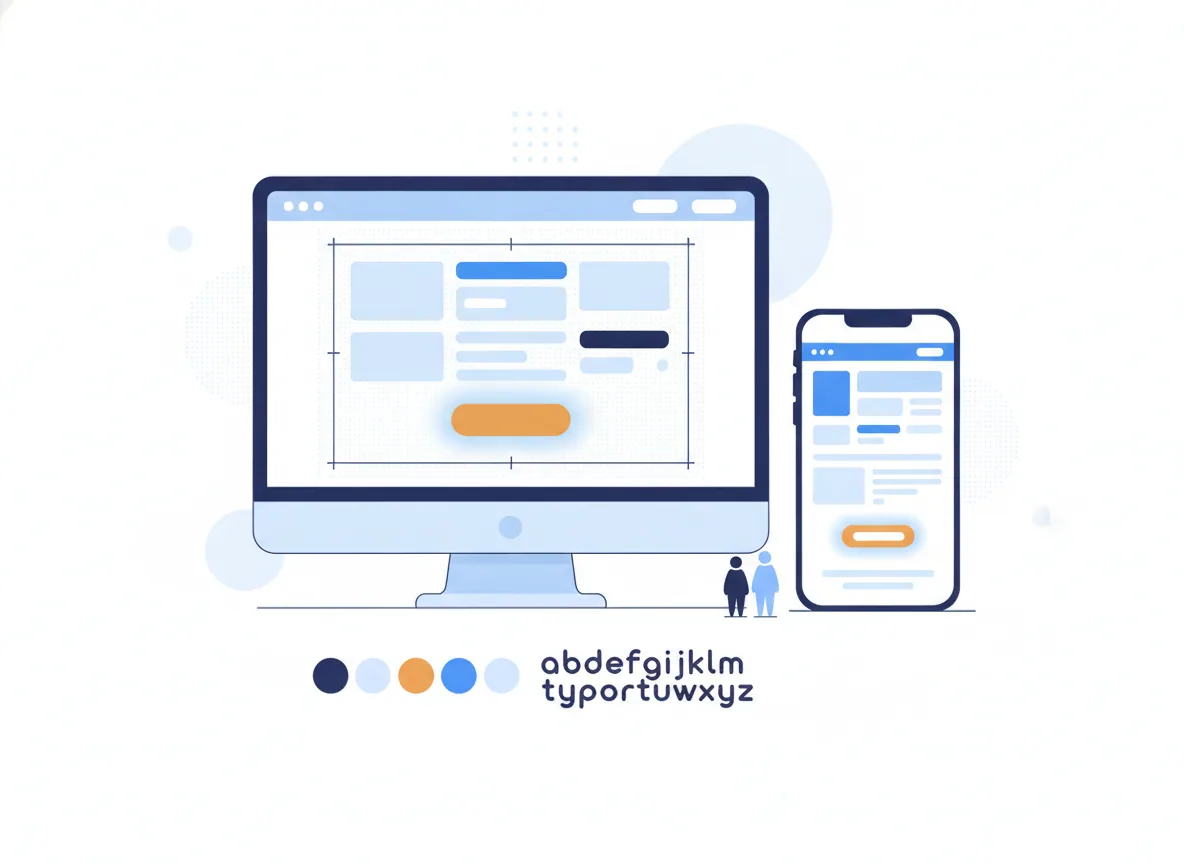
Patients looking for an urgent care clinic are usually stressed, sick, or in pain. They do not want to read a long mission statement or watch a sliding banner of stock photos. They want to know your current wait time, whether you accept their insurance plan, and how to navigate to your front door. A high-conversion urgent care website delivers these three pieces of information in under three seconds. If your current site forces a parent holding a feverish toddler to pinch and zoom on a smartphone just to find a phone number, you are losing patients to the competing clinic down the street. Let us look at the operational blueprints required to turn your website into a highly effective patient acquisition asset.
Designing for a healthcare environment requires understanding the cognitive load of your end user. Someone browsing for a new pair of shoes takes their time; someone searching for an urgent care center needs an immediate solution to a high-stress problem. Your site architecture must reflect this urgency. Effective digital marketing for urgent care relies entirely on matching the user's intent with absolute frictionless design.
The moment your homepage loads on a mobile device, the most critical operational elements must sit immediately above the fold. This means the user should not have to scroll even a millimeter to find what they need. Place a live wait-time widget at the very top of the screen. Directly beneath it, feature a high-contrast button to book an appointment or check-in online. Include a click-to-call phone number and a prominent link to directions. By addressing these immediate needs instantly, you stop the user from hitting the back button and returning to the search results. This ruthless prioritization is standard practice when partnering with a marketing agency that specializes in local service businesses.
Complex navigation menus kill conversion rates. When mapping the user journey, group your clinical services into logical, plain-English categories. Instead of hiding services under vague medical terminology, use direct categories like Illnesses, Injuries, Physicals, and X-Rays & Labs. If a patient suspects a broken wrist, they need to know instantly if you offer on-site radiography. Make your navigation menu a sticky header so it follows the user as they scroll down the page, ensuring the vital "Book Now" button remains accessible at all times.
A lead capturing cascade is the strategic sequence of steps a user takes from their initial click to a confirmed spot in your waiting room. In the urgent care sector, this cascade must balance medical intake requirements with consumer-level convenience. A clunky intake form will cause patients to abandon the process midway through.
Your online scheduling system must integrate directly with your EMR or clinic management software, whether you use Experity, Solv, or Clockwise.MD. Embedding these scheduling widgets directly onto your website rather than linking out to a third-party portal maintains brand consistency and keeps the patient engaged. The scheduling interface should explicitly show available time slots for the current day. If your clinic operates on a pure walk-in basis with no reserved times, offer a "Save My Spot" feature that allows patients to wait at home until their turn approaches. Implementing a structured website design approach ensures these technical integrations function smoothly across all devices.
The cascade does not end when the time slot is booked. Immediately trigger an automated text message or email containing a secure link for patient pre-registration. Allowing patients to upload a photo of their insurance card and driver's license from their smartphone before they arrive dramatically reduces door-to-door time. Faster processing times lead directly to higher patient satisfaction and better online reviews. This operational efficiency is the true engine driving urgent care customer acquisition.
Your urgent care clinic serves multiple demographics, and treating all website traffic identically hurts your conversion rate. An employer looking to set up an occupational health account requires completely different information than a college student seeking discreet STD testing. Your website must segment these audiences intuitively.
Build dedicated, highly optimized landing pages for your core service categories. A page dedicated to Pediatric Urgent Care should feature imagery of children, detail your pediatric capabilities, and explicitly state what age groups you treat. A page dedicated to Employer Services should focus on workers' compensation protocols, drug testing turnaround times, and DOT physicals. This segmentation allows you to run highly targeted medical marketing campaigns, directing specific Google Ads traffic to the exact page that matches the search query.
When you want to scale urgent care online across multiple geographic footprints, you must configure a robust location hierarchy. If you operate three clinics, you need three distinct location pages. Each page must feature its own localized wait-time widget, unique photos of that specific building, hours of operation, and an embedded Google Map. Never force a user to guess which clinic they are booking an appointment for. Clear geographic segmentation prevents patients from mistakenly booking at a clinic twenty miles away, saving your front desk staff from handling frustrating administrative errors.
Building a secure, compliant, and integrated digital front door for a medical practice requires capital. Treating your website like a cheap, outsourced brochure will yield poor results. You must plan for a realistic urgent care web design investment.
A high-performance urgent care website generally costs between $4,000 and $12,000. This budget covers custom UI/UX design focused on conversion, mobile-first development, API integrations for your scheduling software, HIPAA-compliant form configurations, and granular local SEO setup. Beware of incredibly cheap bids. Low-cost development often means relying on bloated templates that load slowly and fail to rank in local search results. For a transparent look at how these budgets are allocated, researching standard medical web design costs will help your operations team plan accurately.
Quality medical web development takes time. Expect the entire process to span two to three months. This timeframe is necessary to map the user journey, write clinically accurate copy, configure complex EMR integrations, and perform rigorous quality assurance testing. Rushing a launch often results in broken scheduling links or misconfigured technical SEO that takes months to untangle. Set honest expectations with your practice managers and stakeholders regarding the launch date.
Web projects fail when clinic owners prioritize aesthetic preferences over patient utility. Knowing the common pitfalls allows you to avoid them when you start evaluating different vendors for your project.
The most common failure in medical web design is building for desktop first. Up to 80% of urgent care website traffic originates from mobile devices. If your web developer designs your site on a massive 32-inch monitor and treats the mobile view as an afterthought, your conversion rate will plummet. Heavy image files, bloated animations, and poor hosting infrastructure cause slow load times. A patient in pain will not wait ten seconds for your homepage to load; they will simply go to your competitor. This is a critical factor to verify when evaluating urgent care web design experts.
Patients are terrified of surprise medical bills. Hiding your accepted insurance networks or self-pay pricing creates immense friction. Create a dedicated "Insurance & Pricing" page that lists every accepted network clearly. If you offer self-pay tiers for uninsured patients, list those base prices openly. Forcing a patient to call your front desk just to ask if you take Blue Cross Blue Shield ties up your phone lines and frustrates the caller.
Generic stock photos of unnaturally smiling doctors peering at clipboards destroy trust. Patients want to see what your actual clinic looks like before they arrive. Hire a local photographer to take well-lit photos of your building's exterior, your waiting room, and your actual clinical staff. Authentic imagery reassures nervous patients and builds immediate local credibility.
To turn these tactical concepts into operational reality, follow this specific blueprint for your website project.
Your website is not a digital business card. It is a vital operational tool that dictates your daily patient volume. By focusing on mobile speed, frictionless scheduling integrations, and clear clinical segmentation, you build a digital asset that consistently fills your waiting room.
Expect your urgent care web design investment to run between $4,000 and $12,000. The final price depends on the complexity of patient portal integrations, custom booking features, and the number of clinic locations. Custom sites require deep user behavior mapping and localized SEO architecture to drive patient volume effectively.
A standard urgent care website typically takes eight to twelve weeks to design, develop, and launch. This timeline includes planning patient intake cascades, mapping out user journeys, writing clinical content, and thoroughly testing mobile booking capabilities before pushing the live environment to the public.
High-conversion sites prioritize speed and immediate utility above all else. Patients want to see wait times, clinic locations, and accepted insurance networks the second the page loads. Removing unnecessary clicks from the appointment booking process is the absolute fastest way to increase your patient intake.
Poor local search rankings usually stem from slow mobile load times, thin service pages, or broken technical SEO foundations. Search engines require properly structured content detailing your specific medical services and a well-optimized Google Business Profile linking back to a fast, highly accessible website.
Keep reading
Web Design
Understand the true costs and expected ROI of urgent care web design. See standard pricing tiers and learn how to avoid hidden agency fees.
Meta Ads
Optimize your urgent care Meta Ads by targeting acute patient needs with geo-fenced campaigns, automated lead capturing, and compliant ad copy.
Meta Ads
Discover the real costs behind running Meta Ads for urgent care clinics. Learn to manage ad spend, track patient acquisition, and avoid common budget traps.
Find out how we can help your business succeed.
Free audit of your market, your competitors and the gap between them.
Free audit · No obligation · No long-term contract